The short answer
To stay consistent with workout and meal logging, make the entry small enough to complete at the moment it happens, tie it to a repeatable cue, and use reminders only when the record is still missing. A quick truthful entry today is more useful than a detailed template you avoid and try to reconstruct at the end of the week.
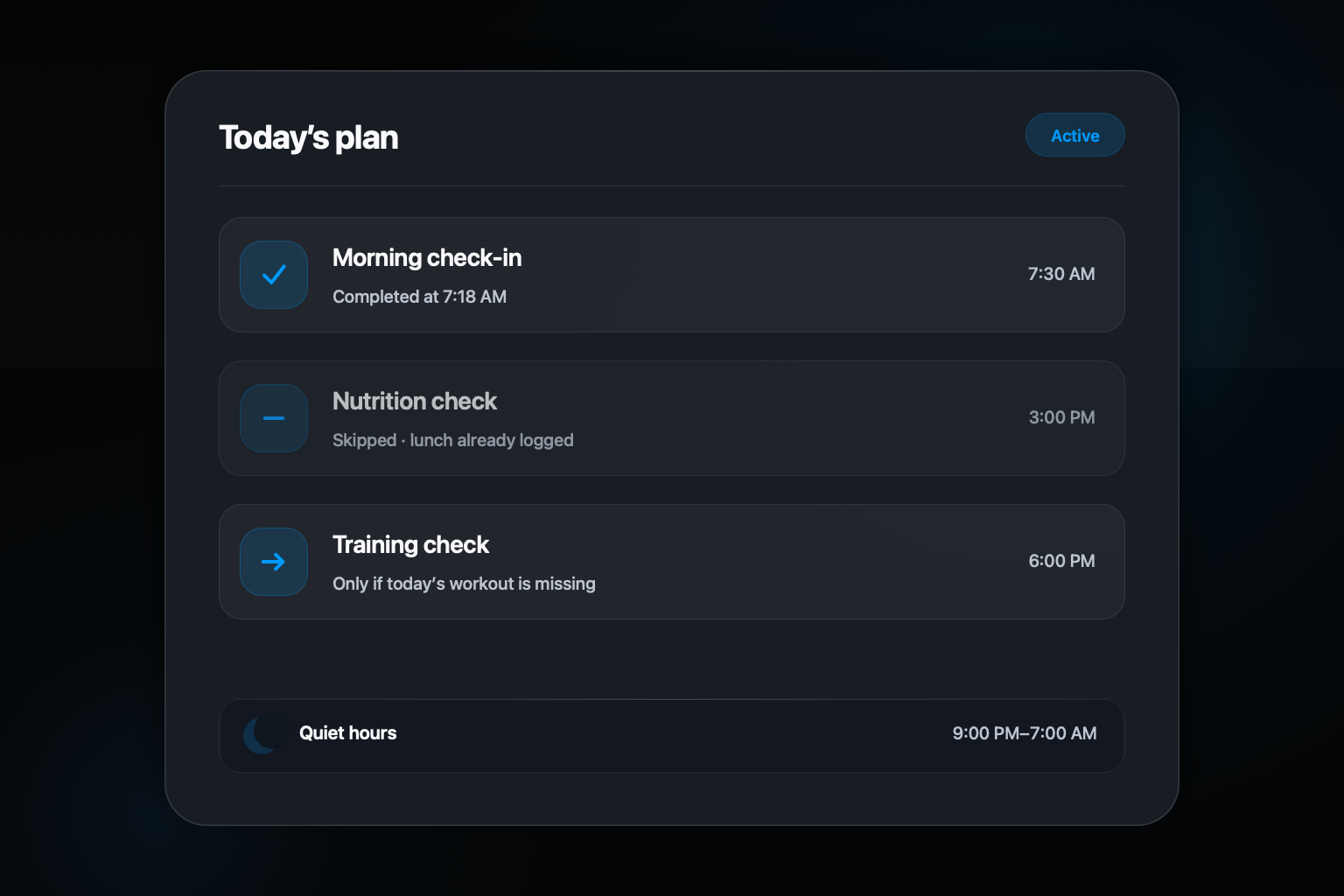
Orph approaches that problem through one iMessage thread and an optional proactive plan. You choose categories and times. Before a proactive text is sent, Orph checks the live log and suppresses a reminder that is no longer relevant. The current plan also includes quiet hours and a daily cap.
Step by step: a simple way to do it
- 01
Choose the smallest useful entry
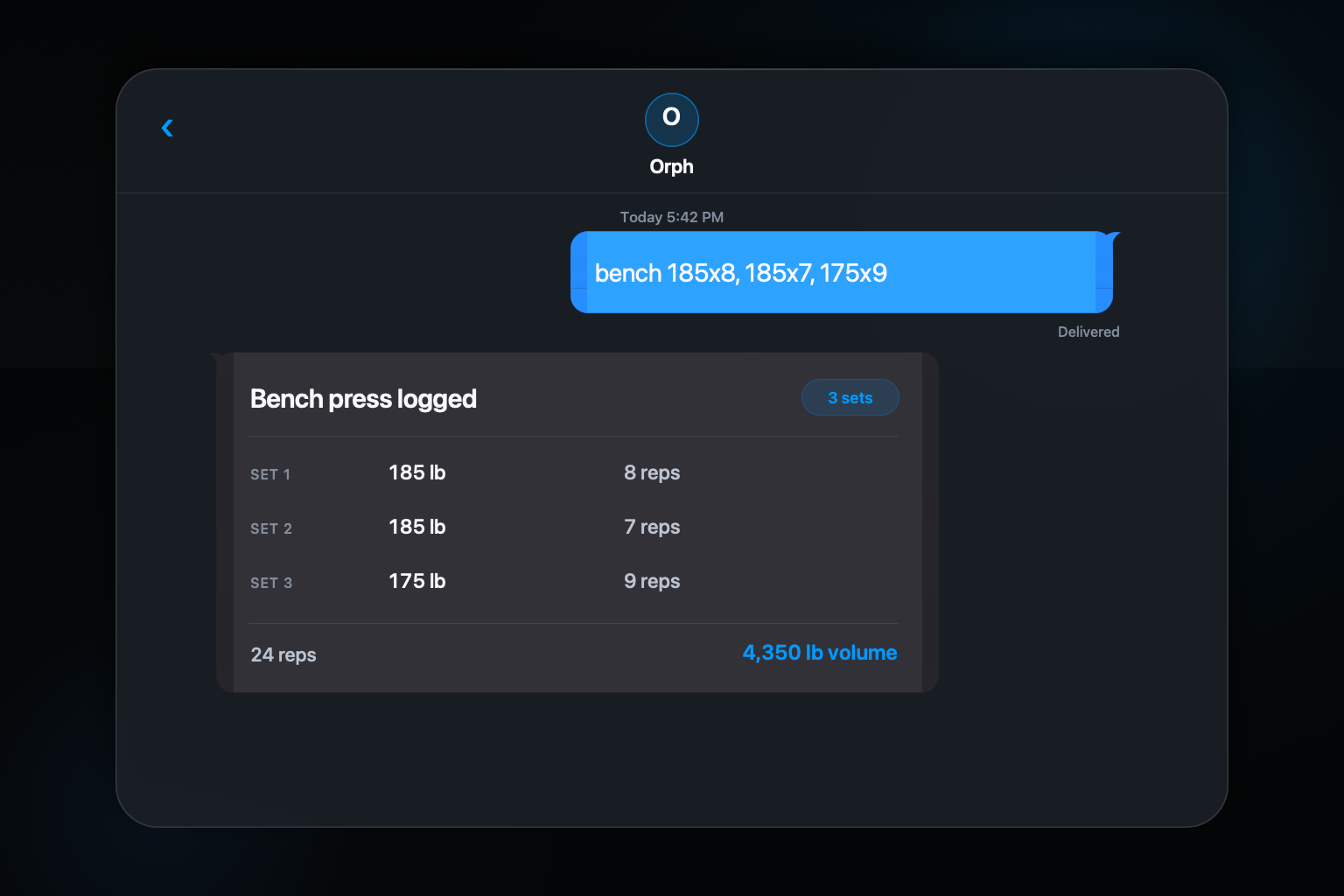
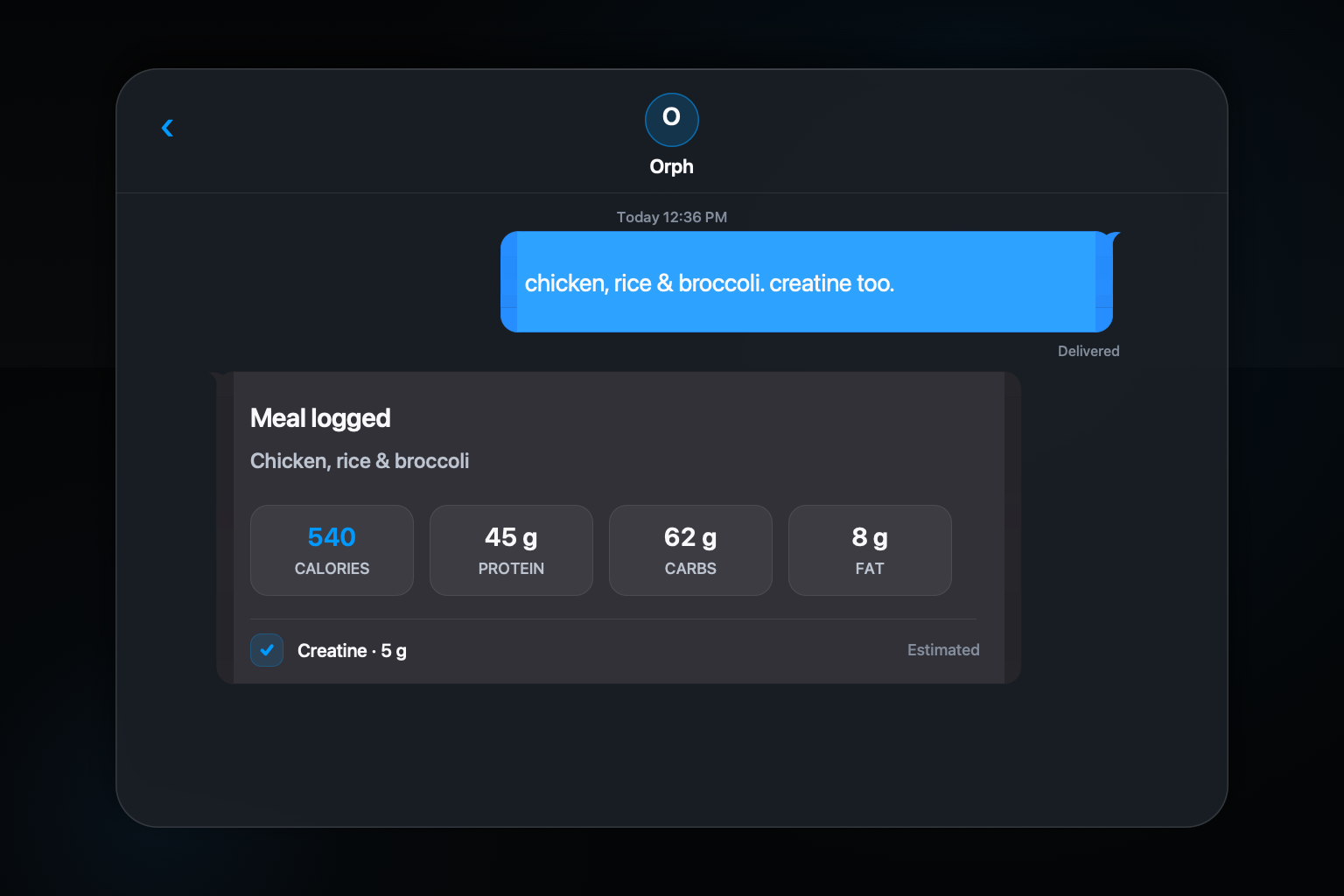
For workouts, start with exercise, load, and reps. For meals, start with the foods and the best portion detail you know.
- 02
Attach the entry to the event
Send the workout after the set or exercise and the meal when you finish eating, before the details fade.
- 03
Use the confirmation as a reward and error check
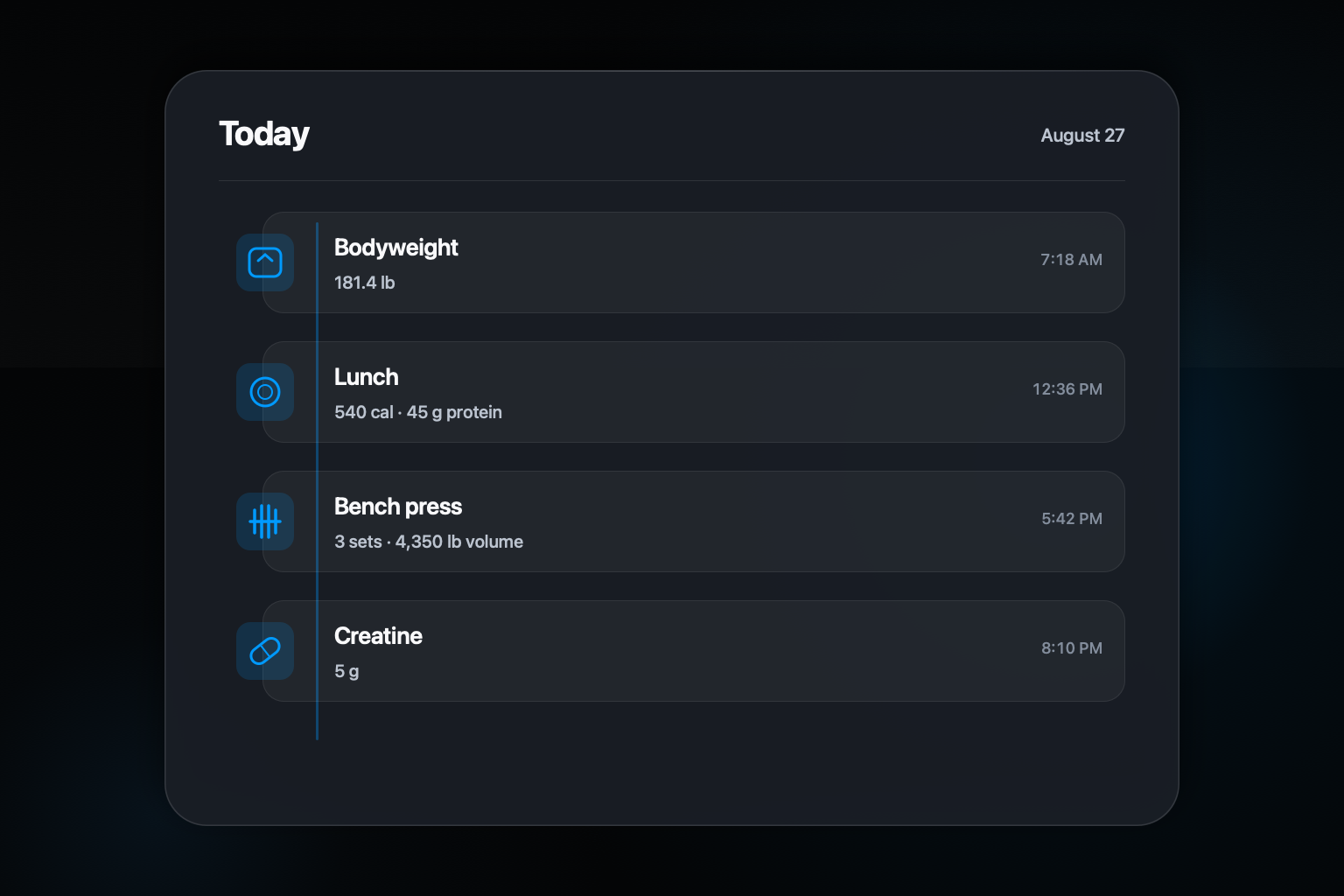
Read what was logged, correct it if needed, and let the completed record close the task.
- 04
Add a bounded reminder for the weak spot
Choose one useful check-in window rather than surrounding the whole day with generic alerts.
- 05
Review and adjust the plan
Keep reminders that lead to action, change unhelpful timing, and pause the plan when it becomes noise.
Lower the cost of the first action
Logging is easiest to postpone when the first step is opening a specialized app and navigating to the correct form. A familiar conversation removes some of that setup. The entry can be as short as the facts you need: squat 275 5x5 or 3 eggs, toast, banana. You can add context without filling every possible field.
Keep the threshold realistic on busy days. If you missed exact portions, record the foods and uncertainty. If you forgot one accessory set, preserve the rest of the workout instead of discarding the session. A partial honest record can be corrected; an empty week cannot be analyzed accurately.
Put the cue next to the behavior
Choose cues that already occur: reracking the final set, putting the plate in the sink, or closing the gym bag. The cue should point to an action you can perform immediately. A vague goal to log everything later creates a second memory task after the original details are gone.
A small experiment with 50 young adults found that goal-setting text reminders produced more physical-activity logging than generic reminders during a two-week fitness-app study. That result is limited by the short study and sample, but it supports a practical distinction: a reminder tied to a person's goal may be more useful than a context-free alert.
Make reminders conditional and bounded
A reminder that arrives after you already logged the meal teaches you to ignore the system. Orph's proactive plan checks the current log before sending. Its published guardrails include quiet hours from 9:00 p.m. to 7:00 a.m., no more than four proactive texts per day, and no second rescue nudge unless you responded to the first.
Those limits describe product behavior, not a claim that four reminders is an ideal health intervention. Research on just-in-time feedback is mixed and depends on timing, relevance, and context. The useful test is whether a prompt helps you complete a chosen record without becoming pressure or noise. You can edit or stop the Orph plan.
Recover from a missed day without inventing precision
When you miss an entry, add what you remember and label uncertainty. Do not backfill exact-looking sets or portions that you cannot honestly recall. Then resume at the next event. Treating one gap as a failed streak often creates a larger gap, while a simple restart keeps the history useful.
Use a weekly review to find the weak point in the process. If training is logged but afternoon meals are often absent, change that one cue or reminder window. If every reminder is dismissed, pause the plan and simplify the entry. Consistency comes from a system you can live with, not from escalating notification volume.
Common questions about this approach
How many proactive texts can Orph send in a day?
The current published plan caps proactive messages at four per day and observes quiet hours. Actual frequency varies with the plan and live log because completed items are suppressed.
Can I stop Orph reminders without deleting my logs?
Yes. You can pause the proactive plan while preserving it, or stop the plan in Messages or the app. Carrier-level STOP is broader and stops all Orph text messages.
Sources and further reading
Orph product behavior comes from the current site, Privacy Policy, and Terms. General background is supported by: