The short answer
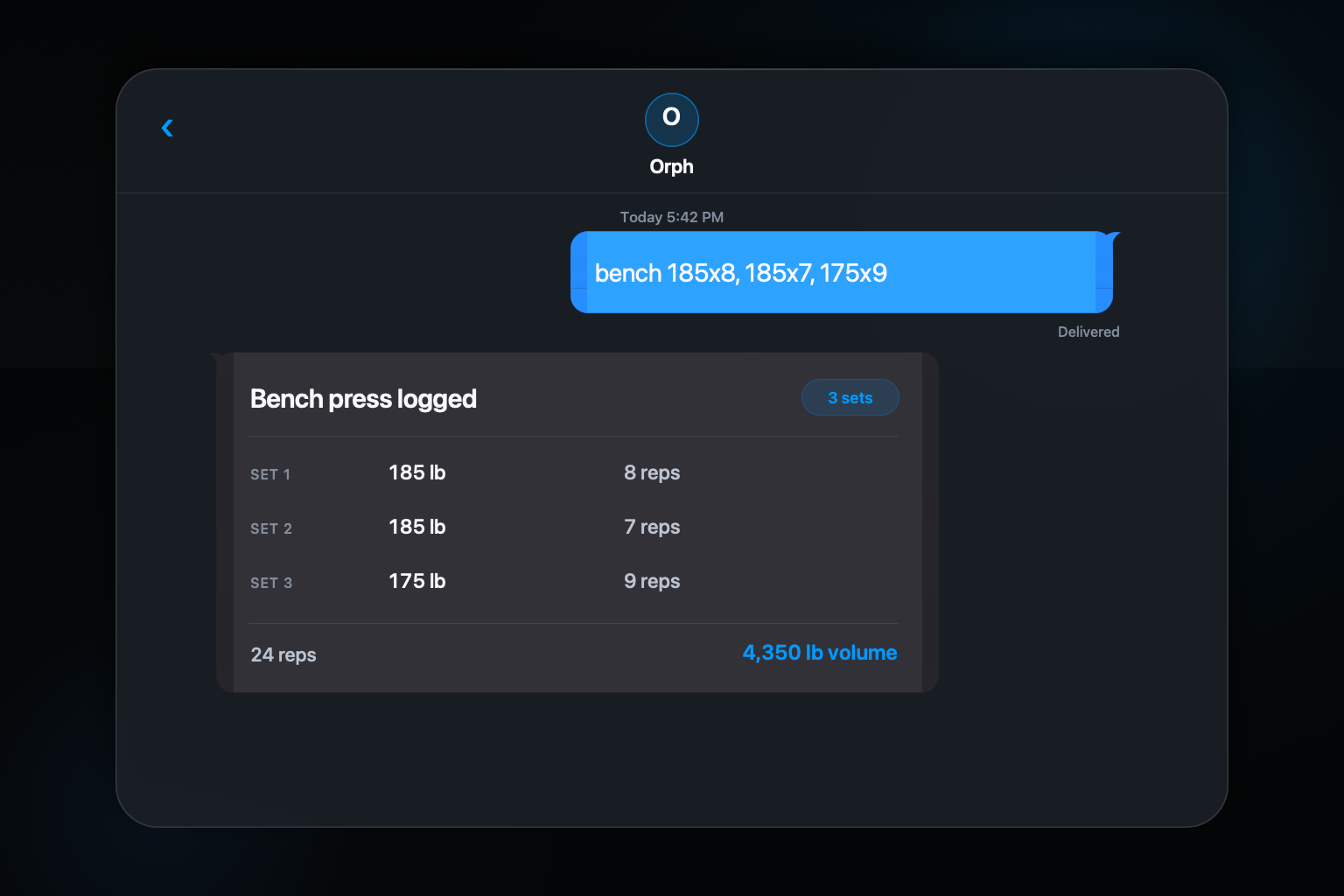
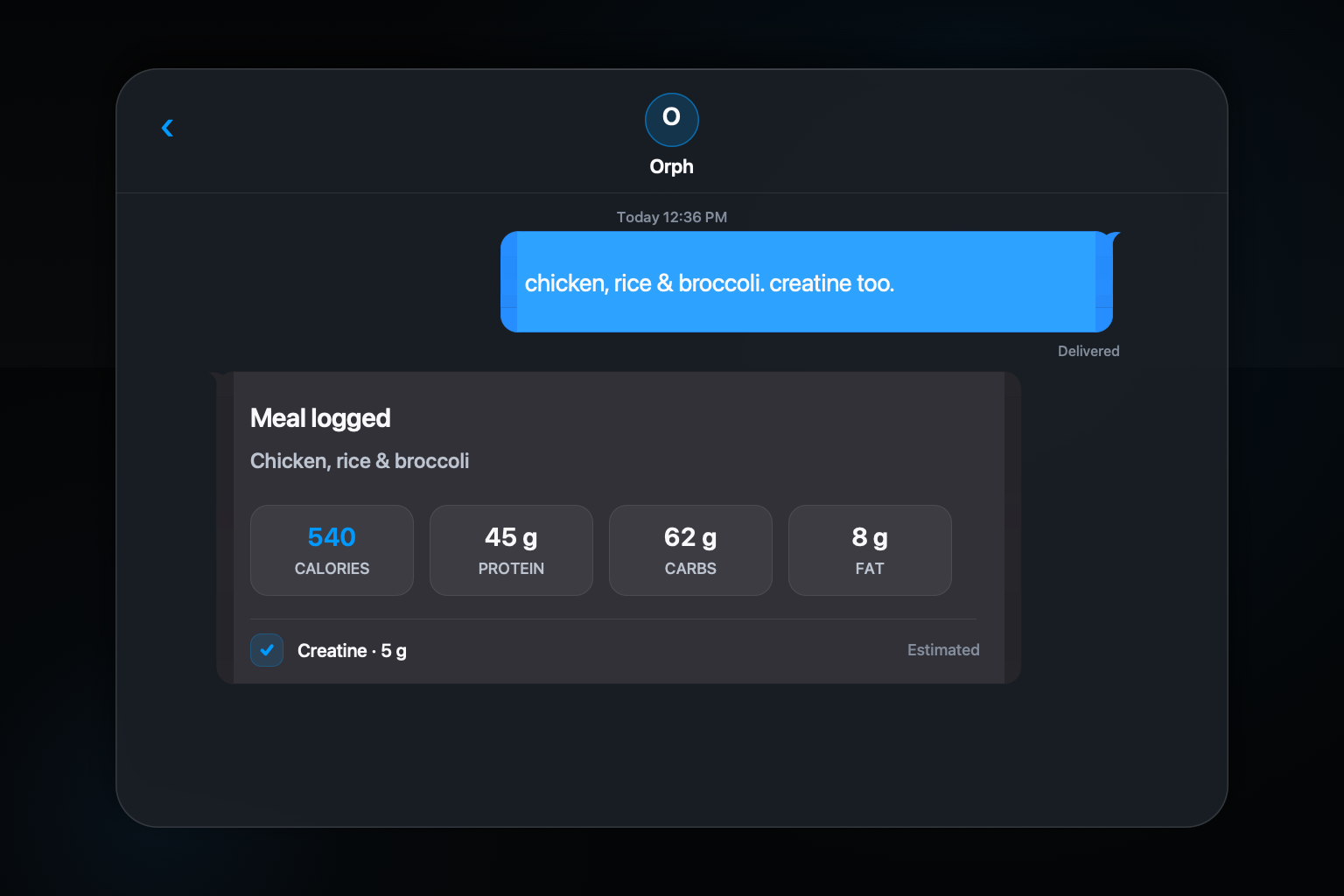
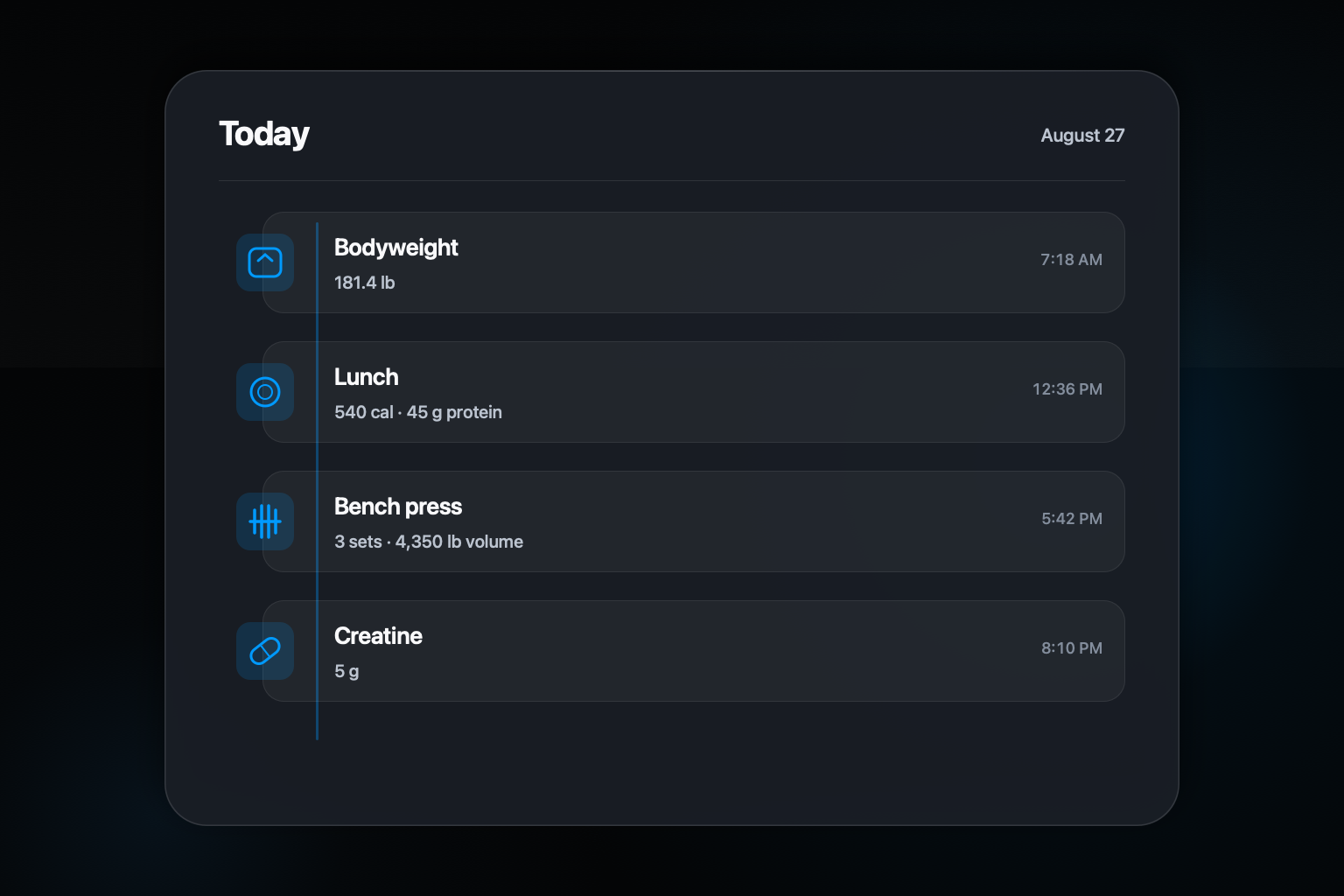
A workout and meal tracker in one place should make capture easier and review more connected. You log the lift when the set ends, describe the meal when you eat it, and keep both records on the same timeline. The value is not merely having two features under one icon. It is removing the handoff between separate habits and separate histories.
Orph uses one iMessage thread for the fast part of tracking. It supports workouts, meals, bodyweight, supplements, goals, and related progress records, with a companion iPhone app for reviewing history and trends.
Step by step: a simple way to do it
- 01
Log the event where you already communicate
Send the workout or meal in iMessage instead of opening a separate form for each category.
- 02
Check the confirmation
Read what Orph logged, then correct an exercise, ingredient, set, or portion while you remember it.
- 03
Review the connected history
Use the companion app when you want trends and prior records rather than repeating data entry there.
- 04
Add bounded reminders only if useful
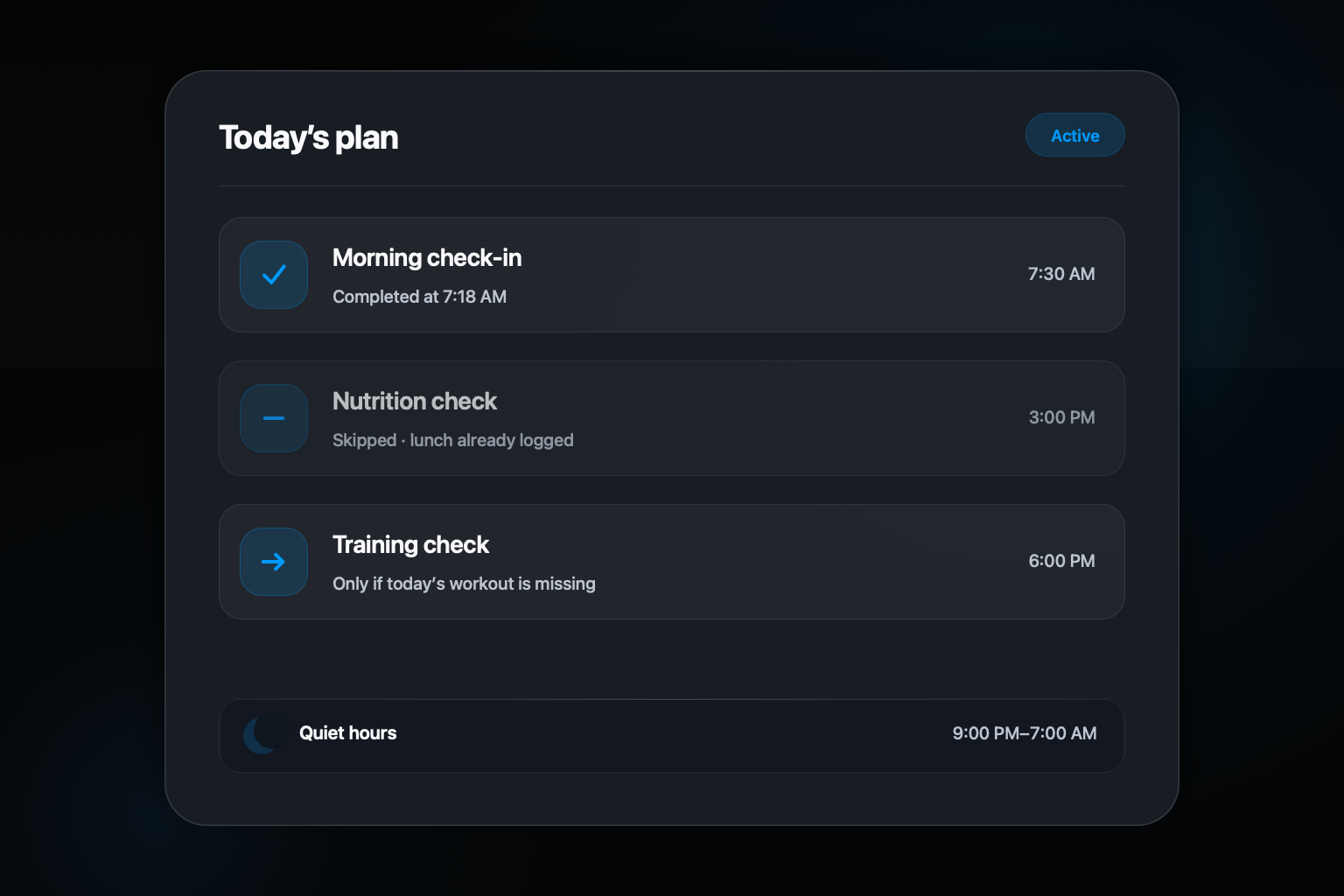
Choose the categories and times you want, with quiet hours and suppression when the live log is already complete.
Why separate trackers create a fragile handoff
Training and nutrition often happen in the same day but get recorded in different systems. One app may hold sets and reps while another holds calories and macros. Notes or spreadsheets fill the gaps. The person doing the tracking must remember which tool owns each fact, open it at the right moment, and later compare records that do not share a timeline.
That setup can work for people who enjoy detailed administration. It is less forgiving when the main goal is to preserve a quick record between sets or after a meal. A combined log removes one decision: you send the event to the same place. The structured categories can remain distinct behind the conversation.
Keep capture and review as different jobs
Capture needs to be fast. Review needs enough structure to answer useful questions. Trying to make one screen perfect for both jobs often makes logging slower or analysis thinner. Orph's public design separates them: iMessage handles the immediate input and confirmation, while the companion app is intended for history and trends.
That means you should not have to enter a workout in Messages and then type it again into the app. The same principle applies to a meal correction. The reply should update the record that later appears in review. A single history is only credible when corrections and confirmations refer to the same underlying data.
Use the shared timeline to ask better questions
Connected records can provide context that separate logs hide. You might review whether training volume changed during a week when meal logging was incomplete, or see that a bodyweight entry belongs near a particular block of workouts. Those observations are starting points, not proof that one behavior caused another.
A 2021 systematic review and meta-analysis found that digital self-monitoring of diet and physical activity supported several outcomes in adults with overweight or obesity, but the studies varied and do not prove that a particular app or interface will work for every person. Orph should be judged on whether it helps you keep an honest, useful record, not on a promised health result.
Choose one place without pretending it does everything
One tracker can still have boundaries. Orph is built for adults using iPhone in the United States and focuses on workouts and meals. Nutrition values and generated insights are estimates. The product is not for emergencies, diagnosis, treatment, or professional medical decisions.
Those limits make the practical promise clearer. Orph is meant to shorten the path from doing something to recording it, then give you a coherent history to review. If that is the friction in your current system, one familiar conversation may be more useful than adding another dashboard to your home screen.
Common questions about this approach
Can workouts and meals appear in the same Orph conversation?
Yes. The product is designed around one iMessage thread that accepts both kinds of logs while organizing them as separate structured records behind the conversation.
Do I have to re-enter the logs in the companion app?
No. The current product copy says iMessage is where you log and the companion iPhone app is where you review history and trends.
Sources and further reading
Orph product behavior comes from the current site, Privacy Policy, and Terms. General background is supported by: